If you’ve been maintaining a project since 2019 and have reached a milestone like v5.x, you might wonder if that “2019” in your LICENSE file makes your project look abandoned.
Here is a quick guide on how to handle license dates effectively without overthinking it.
The “First Publication” Rule#
In an MIT or Apache license, the year (e.g., Copyright (c) 2019) marks the year of first publication.
It isn’t an expiration date. However, as your project evolves through major versions, your code changes significantly.
Using the Copyright Range#
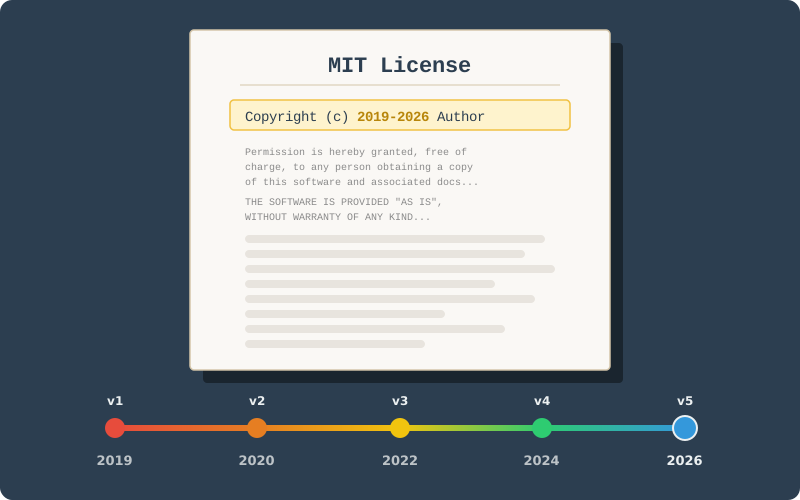
Instead of choosing between the start year and the current year, the professional standard is to use a range.
- Bad:
Copyright (c) 2019(Looks abandoned) - Better:
Copyright (c) 2026(Wipes out the history of the original work) - Best:
Copyright (c) 2019-2026(Protects the original v1.0 and the current v5.x)
When to Update (The SemVer Strategy)#
If you follow Semantic Versioning, you don’t need to touch the license for every patch.
| Version Type | Update License? | Reason |
|---|---|---|
| Major (v5.0.0) | Highly Recommended | Significant refactors or breaking changes are new “works.” |
| Minor (v5.1.0) | Recommended | New features should be covered under the latest year. |
| Patch (v5.1.1) | Optional | Bug fixes rarely require a copyright update. |
Automation: The “Set and Forget” Method#
If you find manual updates tedious, you can use a GitHub Action to check your license at the start of every year.
FantasticFiasco/action-update-license-year GitHub Action will handle it for you.
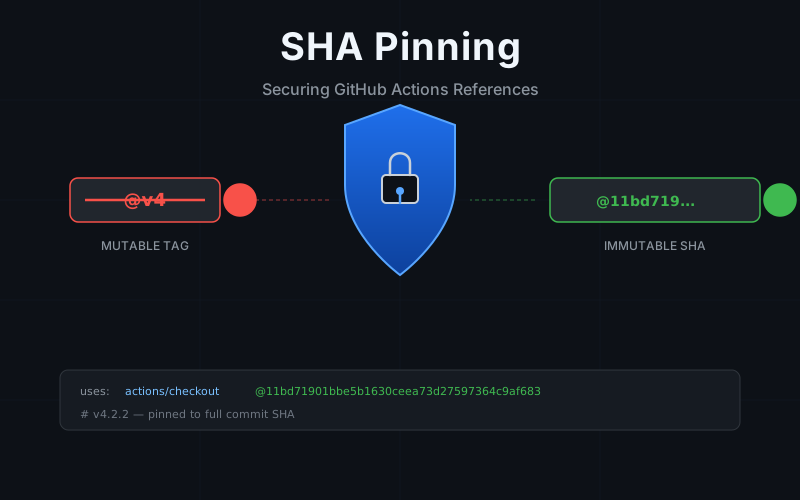
When pinning actions by commit SHA for security, see the SHA pinning post.
name: Update copyright year(s) in license file

on:
    schedule:
        - cron: '0 3 1 1 *' # 03:00 AM on January 1

jobs:
    update-license-year:
        runs-on: ubuntu-latest
        steps:
            - uses: actions/checkout@v6
              with:
                  fetch-depth: 0
            - uses: FantasticFiasco/action-update-license-year@v3
              with:
                  token: ${{ secrets.GITHUB_TOKEN }}
This action will detect your 2019 start date and automatically transform it into 2019-2026, keeping your project looking active and professional.
Summary#
For a project spanning several years, simply update your license header to:
Copyright (c) 2019-2026 [Your Name]This tells the world your project is established, battle-tested since 2019, and actively maintained in 2026.