Local branches accumulate. Nobody cleans them up.
git branch -d $(git branch --merged=main) is as far as most people get. You come back to a project after a few days away and git branch still shows twelve branches: some stale, some never pushed, some ahead of main with context you no longer remember. You run git branch -vv, then git log on each one, then check worktree paths, and by the time you have the full picture, you have forgotten what you came here to do.
The information exists. It is spread across git branch -vv, git log, git rev-list, git worktree list, and others, and requires mental assembly every time.
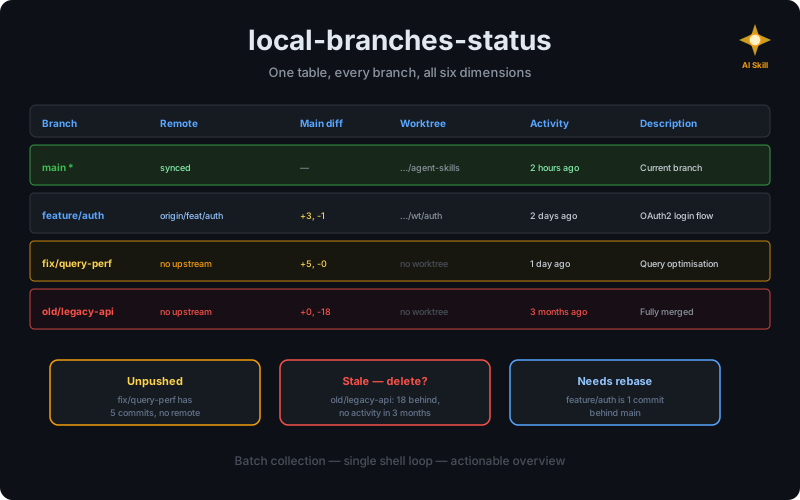
The local-branches-status skill collapses that into a single structured report: one table, every branch, all six dimensions at once.
What the skill does#
The skill produces a six-column report for every local branch, in a single pass, not one command per branch per column:
- Branch: name, marked with
*for the current branch - Remote: sync state with upstream: synced, ahead, behind, or no upstream
- Main diff: how many commits ahead and behind the main branch
- Worktree: path if the branch has an active worktree, truncated to the last two segments
- Last activity: relative time of the most recent commit:
2 days ago,3 weeks ago - Description: one-line summary read from actual commits, not guessed from the branch name
The table#
Every report follows the same structure:
| Branch | Remote | Main diff | Worktree | Last activity | Description |
|---|---|---|---|---|---|
| main * | synced | - | ../rlespinasse/agent-skills | 22 hours ago | Current working branch |
| feature/auth | synced with origin/feature/auth | +3 ahead, -1 behind | ../wt/auth | 2 days ago | Add OAuth2 authentication flow |
| old/legacy | no upstream | 0 ahead, -15 behind | no worktree | 3 months ago | Fully merged into main, can be deleted |
The current branch is marked with *.
The worktree column shows the actual path, truncated to the last two segments, so you can navigate directly.
The last activity column shows relative time (2 days ago, 3 weeks ago) so you can prioritize by recency rather than just by commit count.
Stale branch detection#
The skill applies a concrete threshold rather than a vague heuristic. A branch is flagged as stale when it meets two conditions simultaneously:
- 10 or more commits behind main: the gap is large enough that a rebase is non-trivial
- No unique commits in the last 30 days: no recent work, so the branch is not actively being developed
Both conditions must be true. A branch 15 commits behind main but updated yesterday is still active; it just needs a rebase. A branch with no recent activity but only 3 commits behind main is nearly caught up and not worth flagging.
What I observed in practice#
The biggest win is not the table itself. It is what happens after the table. Before the skill, I would run a few git commands, get a rough sense of the situation, and move on. Stale branches survived for weeks because the cost of investigating them was higher than the cost of ignoring them.
With a structured report, the cost drops to zero. The table tells me “this branch is fully merged and 3 months old”, so I delete it. “This branch has unpushed commits from 2 days ago”, so I push it. The information was always available; the skill makes it actionable.
The content description column is the most useful one, and the reason I built it. Branch names like feature/auth or fix/issue-42 give you a hint. But the skill reads the actual commits and produces a one-line summary. “Add OAuth2 flow with refresh token rotation” is more useful than feature/auth when deciding what to keep.
The skill also explicitly avoids running git fetch without approval. This matters: a fetch can be slow on large repos and may pull changes you are not ready to deal with. The skill reports what it sees locally and lets you decide when to sync.
Installing the skill#
npx skills add https://github.com/rlespinasse/agent-skills --skill local-branches-statusThe skill is available at github.com/rlespinasse/agent-skills.
Once installed, the skill activates on phrases like “branch status”, “branch overview”, “local branches”, or “branch report”.
You can also trigger it explicitly with /local-branches-status.
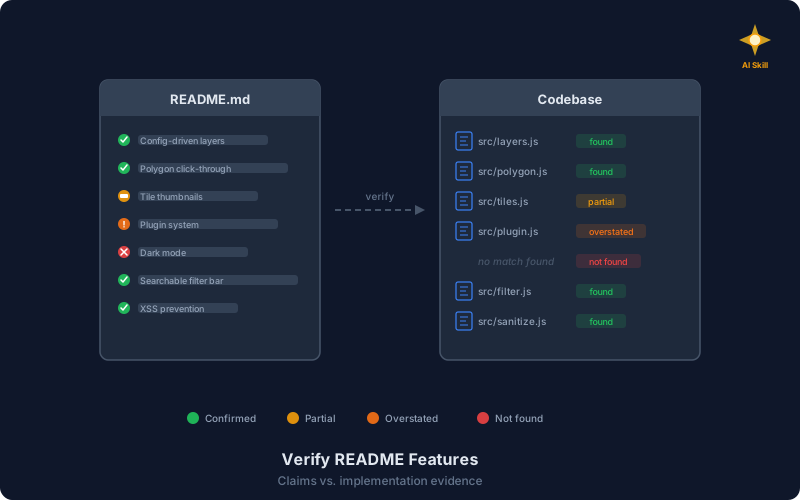
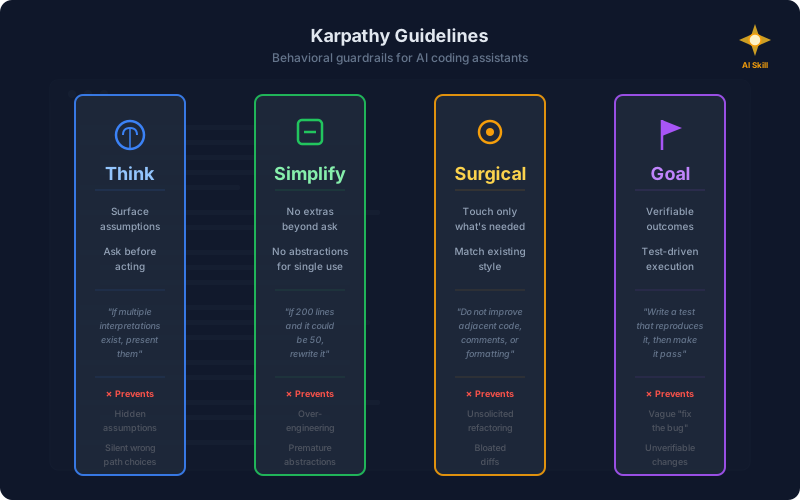
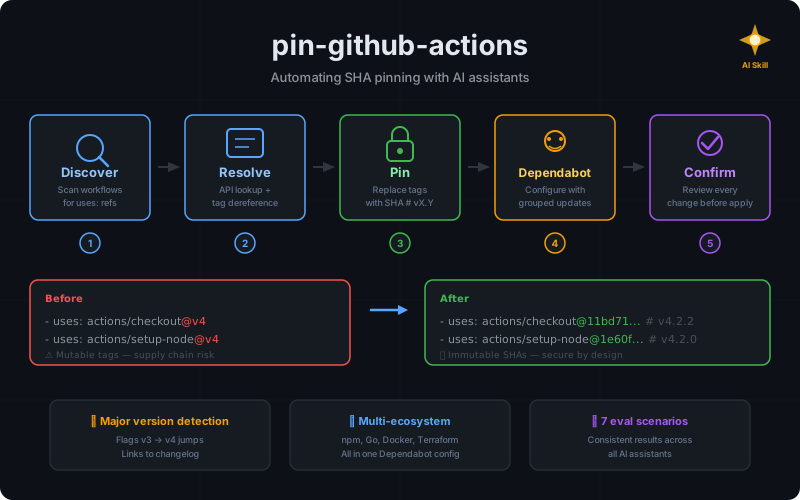
If you already have skills from the collection installed: conventional-commit, diataxis, pin-github-actions, karpathy-guidelines, or verify-readme-features, the installation process is the same.
From ad-hoc commands to a reliable overview#
The git commands for all of this already exist. What they do not do is run together, sort by relevance, and tell you which branches need attention today.
The skill does that. One invocation gives you a table: which branches to delete, which to push, which to rebase. The stale ones are flagged. The unpushed ones are visible. The ones with uncommitted context have a description that reminds you what you were working on.
You read it, you act on it.
Explore the full collection at github.com/rlespinasse/agent-skills.